Overview
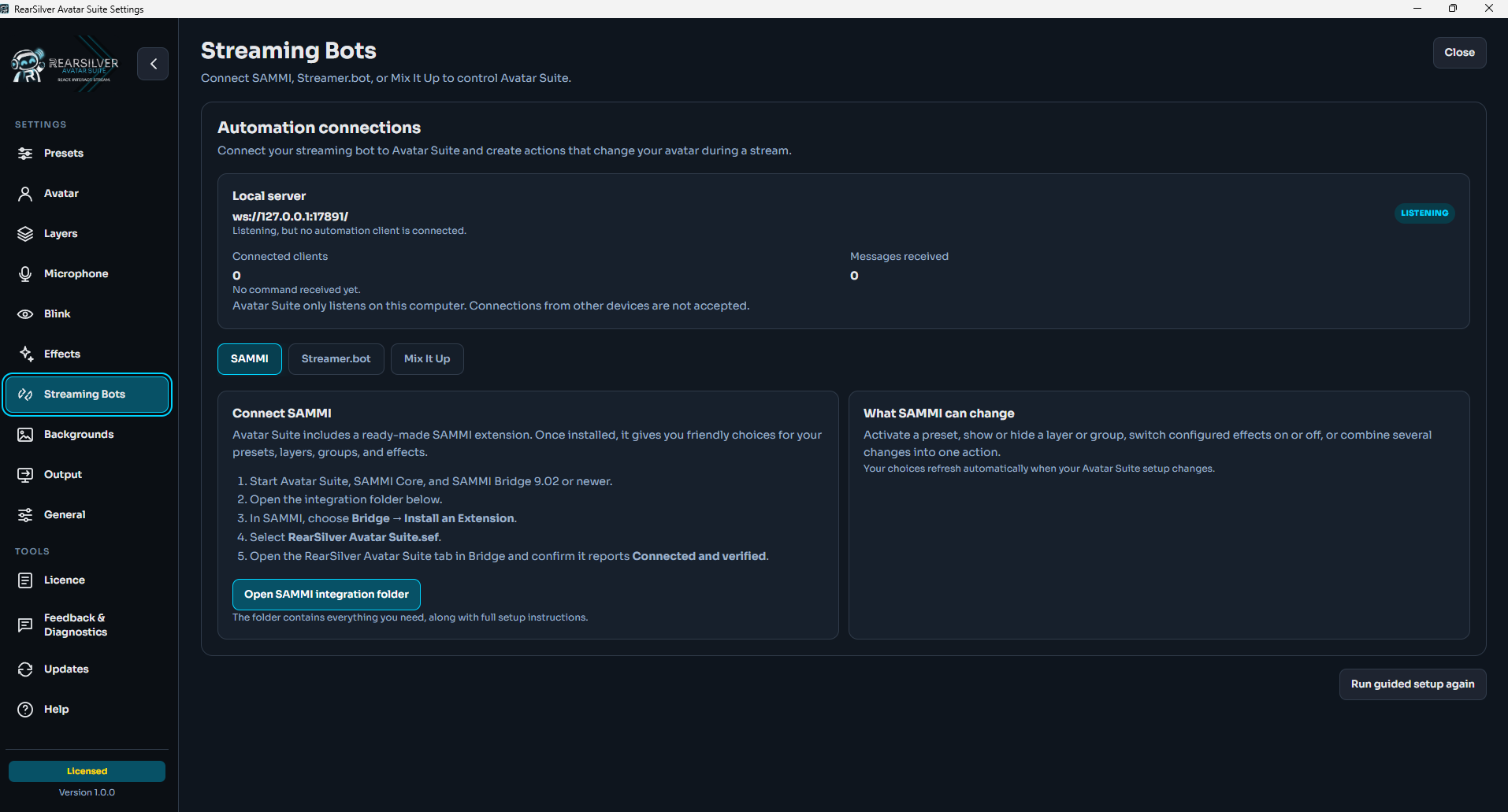
Connect SAMMI to RearSilver Avatar Suite and control your avatar through SAMMI buttons, triggers, and actions.
Features
- Check whether Avatar Suite is available and save its response as a SAMMI object
- Activate presets
- Show or hide layers and groups
- Switch configured effects on or off
- Run several Avatar Suite changes as one ordered action
- Use friendly selectors populated from the active Avatar Suite setup
- Refresh automatically when Avatar Suite’s catalogue changes
- Start with the included example deck
The extension connects only to Avatar Suite on the same computer. It does not require Twitch credentials and does not send personal information to RearSilver or Imperial Infusions.
Setup
This extension requires RearSilver Avatar Suite, SAMMI, and SAMMI Bridge to be running on the same Windows computer.
- Download the
.seffile. - Start RearSilver Avatar Suite.
- In SAMMI Core, choose Bridge, then Install an Extension.
- Select the downloaded
RearSilver Avatar Suite.seffile. - Open the RearSilver Avatar Suite tab in SAMMI Bridge.
- Confirm that the extension reports Connected and verified.
- Accept the included Avatar Suite Examples deck when SAMMI offers to install it.
Avatar Suite must be running when a SAMMI action is triggered. Full installation and command details are available in the integration repository.
Privacy Policy
This developer has disclosed that it will not collect or use your data.
Additional information provided by the developer
This developer declares that your data is:
- Not being sold to third parties.
- Not being used or transferred for purposes that are unrelated to the extension's core functionality
- Not being used or transferred to determine creditworthiness or for lending purposes
Reviews
Coming soon!