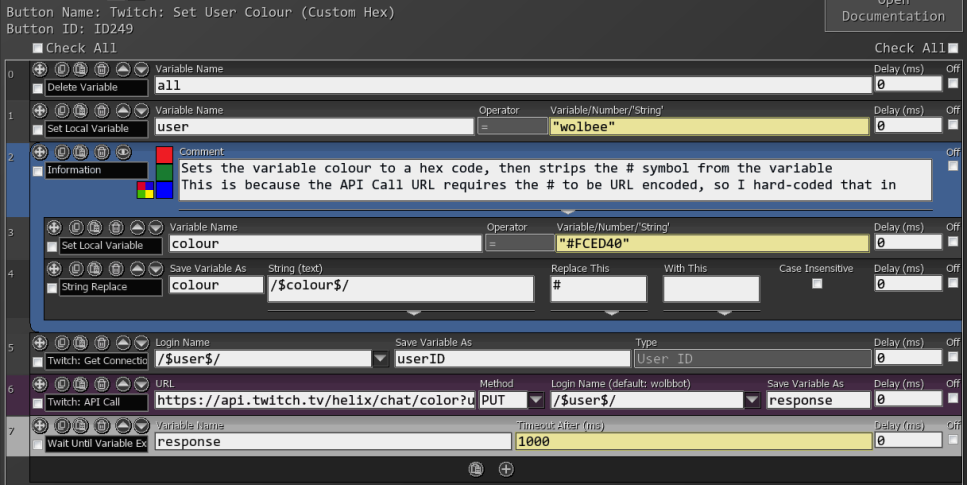
Set User Color
Sets the color of your username in all chat rooms to one of the default Twitch colors.
For Turbo/Prime members who can set any color, use the button at the bottom of the section.
To get a user’s current color, use Get User Color
| Box Name | Type | Description |
|---|---|---|
| Login Name | Dropdown | The name of the channel to use for authentication in the API Header |
| Color | Dropdown | List of the standard colours that Twitch offers for all users. |
Requires the
user:manage:chat_color Twitch scope.
Twitch API Endpoint: PUT /helix/chat/color
| Request Field | Type | Description |
|---|---|---|
| user_id | String | The ID of the user whose chat color to update |
| color | String | The color to use for the user’s name in chat. Turbo/Prime users may use hex (#9146FF). Standard options: blue, blue_violet, cadet_blue, chocolate, coral, dodger_blue, firebrick, golden_rod, green, hot_pink, orange_red, red, sea_green, spring_green, yellow_green |